
Fresno
Connect Comfort Without Losing Control
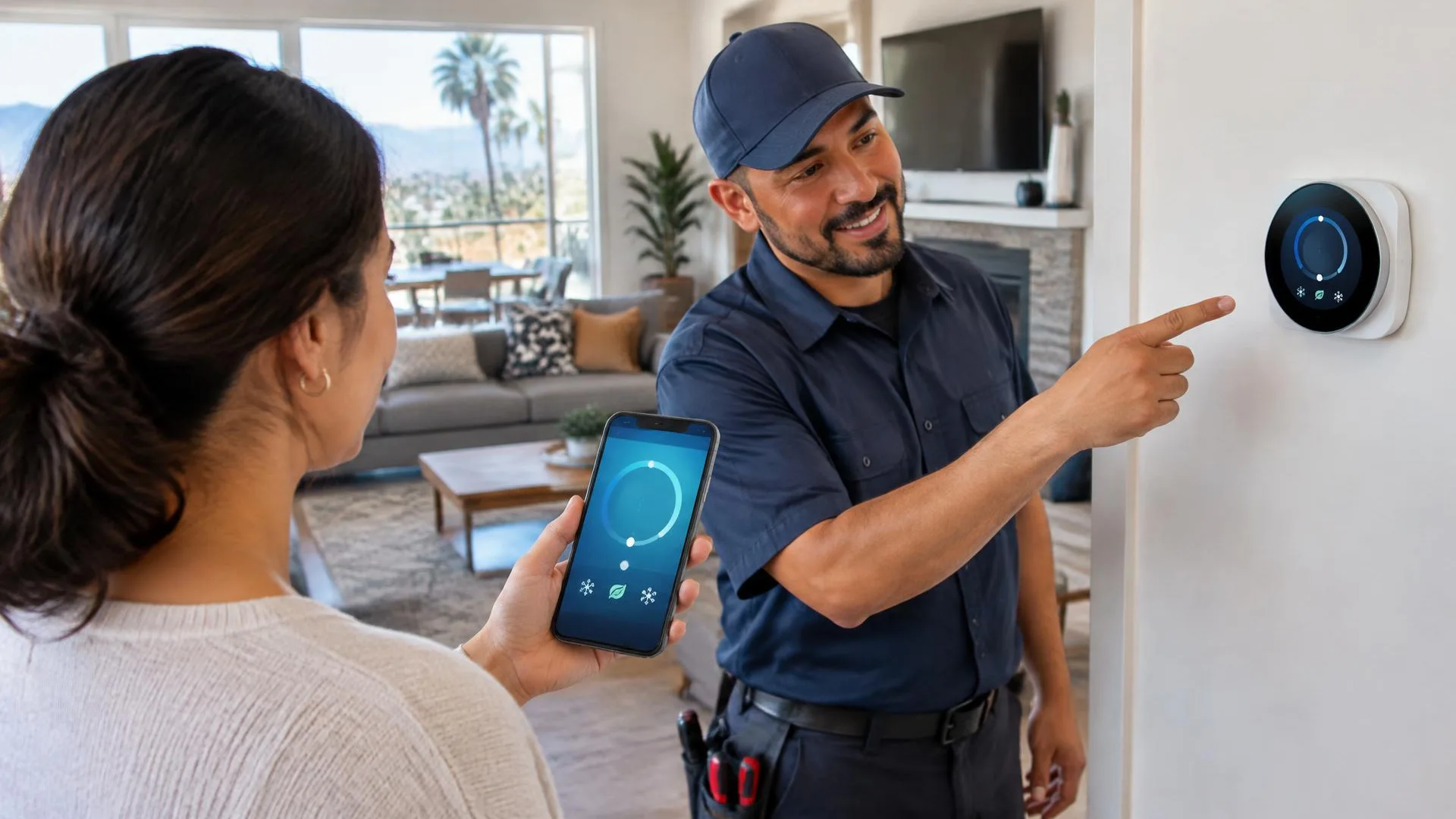
Phone access is convenient only when the thermostat is connected correctly and the account belongs to the people using the home. For Fresno installations, we treat app setup as part of a larger control plan: compatible equipment, professional wiring checks, dependable local operation, and understandable account access. We help you connect the supported features while explaining which functions rely on internet service and how to make ordinary adjustments directly at the thermostat.
- Equipment compatibility
- Professional installation
- Wireless requirement review
- Owner account setup
What we handle
Make Connected Features Understandable
A working HVAC connection and a working internet connection are different things. The thermostat must first be suitable for the equipment. Wireless setup then adds remote access, notifications, and other supported functions, each with its own requirements and limitations.
Since 2001
Serving the Central Valley
- 01Equipment compatibility
- 02Professional installation
- 03Wireless requirement review
- 04Owner account setup
- 05Shared access guidance
- 06Local control explanation
Before installation, confirm that the thermostat's wireless requirements fit your home network and that you can access the account you intend to use. Different products support different network arrangements. We help with thermostat app setup, but a weak wireless signal or broader router problem may require separate attention. The goal is to identify that boundary rather than describe every offline notification as an HVAC failure.
Account ownership deserves care, especially when replacing a device left by a previous occupant. The new installation should use an account controlled by the appropriate household member, with shared access handled through supported platform features. Avoid sharing passwords casually or leaving access tied to someone who no longer lives there. Product-specific transfer and reset procedures may be necessary, and compatibility still needs checking before a used device is installed.
At handover, we show the relationship between wall controls, schedules, and remote changes. Many thermostats retain basic local functions during an internet interruption, but exact behavior depends on the model and power conditions. App access should not be your only understanding of operation. We explain how to recognize a connectivity issue, where to find relevant status information, and when the symptom calls for equipment assessment instead.
Connectivity Concerns to Discuss
Mention network limitations and account questions before installation. These details help separate thermostat setup from unrelated internet problems and ensure that remote features are placed under the right household's control from the start.
- Frequent offline messages
- Previous owner's account
- Unclear shared access
- Weak nearby wireless signal
- Router replacement planned
- App-only operating habits
Plan Your Connected Setup
Tell us about your Fresno HVAC system, preferred thermostat, and any account or connection concerns. We can discuss installation and app setup while keeping everyday control clear and accessible at home.
Smart Thermostats questions
Frequently Asked Questions
No. Wireless connectivity concerns the home network, while HVAC compatibility concerns equipment controls and wiring. Both need attention. A thermostat that connects successfully to an app may still be unsuitable for the heating and cooling system.
Many models retain basic local control, but remote access and some connected features may be unavailable. Behavior varies by product and power conditions. We explain the selected model rather than promising that every function works offline.
Our confirmed scope includes thermostat app setup, not comprehensive network repair. We can identify thermostat connection requirements and discuss observed issues. Router faults, coverage design, or internet service problems may need help from the appropriate provider.
The appropriate owner or authorized household member should control it. Supported sharing tools are preferable to informal password sharing. We help explain setup while keeping account ownership and access decisions with the people responsible for the home.
Potentially, after compatibility and condition are reviewed. It may also need release from an existing account or a manufacturer-specific reset process. Used equipment should not be assumed ready simply because the display turns on.
Not necessarily. The alert may describe lost communication rather than lost HVAC operation. Check the thermostat's local status without opening equipment. If the home is not maintaining temperature or displays a fault, arrange an appropriate professional assessment.